
Website redesign cost UK: the risk isn't the price
13 November 2026 · 9 min read
Most owners worry about what a redesign will cost. The bigger risk is quieter: a new site goes live, looks far better, and the enquiries drop. Something that was working got thrown out with the old design. This post covers what to preserve, how to find out which part of your site is actually broken before you spend anything, and when a redesign isn't the answer at all.
The expensive mistake isn't the invoice
A tired website is easy to diagnose by eye. It looks dated, the photos are small, the phone number is buried. So you get it redesigned. Three months later the phone is quieter than it was and nobody can explain why.
Usually the explanation is mundane. The old site had a page called /boiler-repairs-runcorn that had been sitting there for six years, slowly picking up links and search rankings. The new site calls it /services and lists boilers as a bullet point. The old page returns a 404. Google eventually drops it. The enquiries that page used to produce go to whoever is now ranking in its place.
Nothing about that is a design problem. It's a migration problem, and it's entirely avoidable. But it only gets avoided if someone writes down what the old site was doing before the old site disappears.
Work out which of the five things is broken first
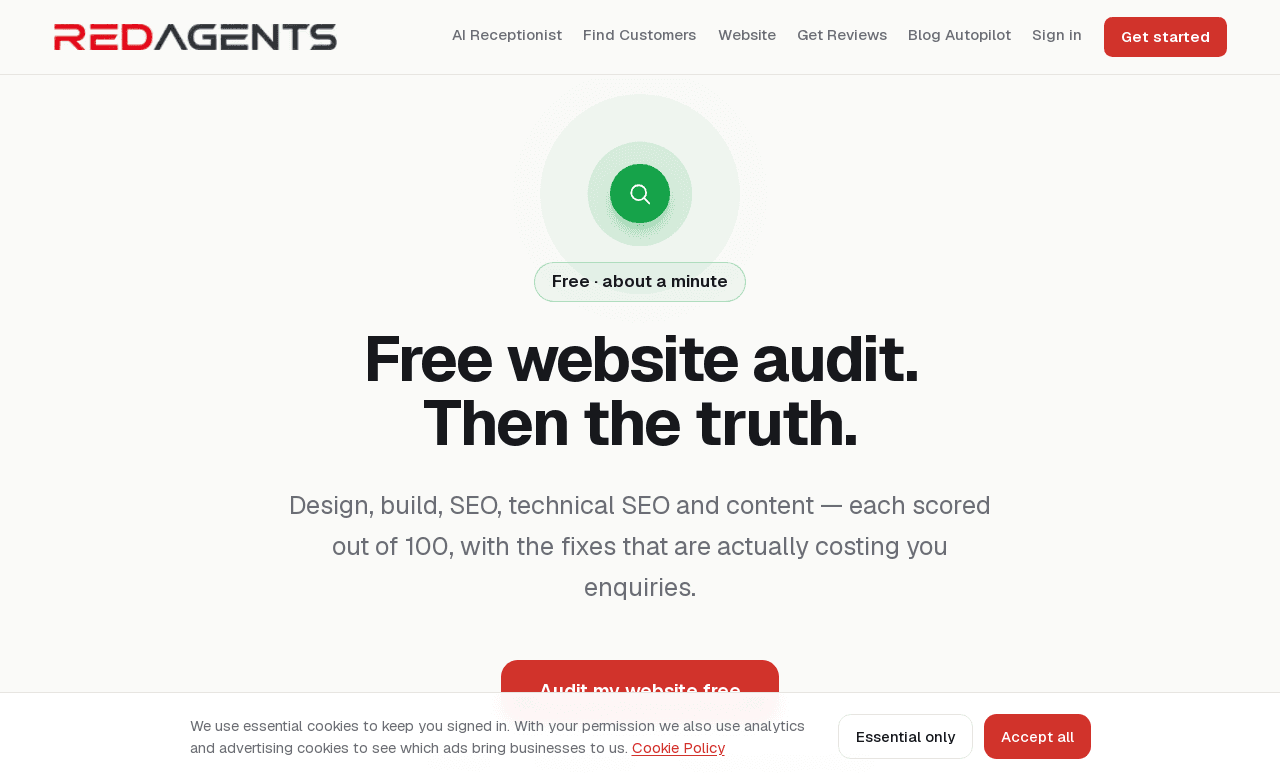
A website fails in one of a few distinct ways, and they need different fixes. Our free website audit scores five of them separately — design, build, SEO, technical SEO and content — rather than giving one overall verdict.
The reason for splitting them is practical. Most sites aren't bad; they're bad at one thing. A site that takes nine seconds to load on 4G has a build problem, and a new design won't fix it. A site that loads instantly and looks smart but has no page aimed at anything anyone searches for has an SEO problem, and new photography won't fix that either. Spending on the wrong one is how most website budgets get wasted.
What comes back is an overall score out of 100, findings ranked high, medium and low, a plain-English reason each one matters, the competitors chasing your customers, and what to fix first. It's free, takes about a minute, no card and no sales call.
Be clear on its limits. It's automated — it reads what a visitor and a search engine meet when they arrive. It can't see your analytics, your backlinks, or why March was a good month. A specialist goes further, and a paid audit earns its fee. This is a first step, not a substitute for one.
What to preserve when you rebuild
Assume everything on the old site is guilty until proven innocent, and that everything ranking is innocent until proven guilty. Here's the list worth protecting, in rough order of how much damage losing it does.
1. URLs — or a proper redirect for every one
The ideal is keeping the same web addresses. If /services/bathroom-installation worked before, let it be /services/bathroom-installation after. No redirect, no risk.
Where the structure genuinely has to change, every old address needs a permanent redirect (a 301) to the closest equivalent new page. One to one. The lazy version — redirecting every old URL to the homepage — tells search engines the old page is gone rather than moved, and it dumps visitors who clicked a specific link onto a page that doesn't answer their question.
Before anything goes live, export a full list of your current pages. Your sitemap.xml is the quickest source. Put it in a spreadsheet with two columns: old address, new address. That spreadsheet is the single most valuable document in the whole project.
2. Page titles and headings
The page title is the blue line in search results. It's also one of the clearest signals of what a page is about. If a page called "Emergency Plumber in Runcorn — 24/7 Callouts" becomes "Services" because it looks tidier in the new nav, you have thrown away the bit that was doing the work.
Same for the main heading on each page. A new design often wants a shorter, punchier headline. Fine — but keep the words people actually search for somewhere prominent, and keep the title tag as it was unless you have a specific reason to change it.
3. The copy that already ranks
Long pages written years ago often look like clutter to a designer. They read like clutter too. But if a 900-word page about underfloor heating is pulling in enquiries, cutting it to three bullet points and a hero image will cost you those enquiries.
The safer order of operations: keep the words, fix how they're presented. Break them into sections, add subheadings, make them readable on a phone. Rewrite only once you can see which pages matter — and rewrite one at a time so you can tell what happened.
4. Your photographs
Real photos of real jobs are worth more than any stock library, and they're the hardest thing to replace. Keep them. If they're slow because they're 4MB each straight off a phone, compress them — that's a build fix, not a reason to swap them for generic images. Keep the alt text and the file names too; images pull traffic of their own.
5. The non-page things
Easy to forget, painful to lose: your contact form actually delivering somewhere a human reads; the phone number being the same one on your Google Business Profile and your van; any tracking or analytics code; your domain pointing where it should. Check each one on launch day, not a fortnight later.
Do the maths on one page
Say one service page brings you 12 enquiries a month. You quote eight and win three. Average job £400. That page is worth roughly £1,200 a month in work.
Break its URL during a redesign and you don't lose that overnight — you lose it over six to twelve weeks as rankings slide, which is exactly long enough for nobody to connect it to the new website. Twelve weeks at £1,200 is £3,600. That is more than most redesigns cost.
Run the same sum with your own numbers. If you don't know what any page is worth, that's the first thing to find out — before the rebuild, not after.
What a redesign costs, and what you're paying for
Quotes for a UK small-business redesign vary enormously depending on the route you take — freelancer, agency, or a tool you drive yourself. We've broken the three routes down in how much a small business website should cost, and which corners are safe to cut in cheap website design.
For our own: a RedAgents redesign keeps the content you've already written, the pictures you've already taken and the pages you already rank for, and rebuilds the design and structure around them. You see the whole thing before you pay anything. It's £20 a month once it's live, with custom features — booking, shop, logins — from £49.
| Question to ask any provider | Why it matters |
|---|---|
| Will my URLs stay the same? | If not, you need a redirect map, and you need to see it |
| Who writes the redirects, and when? | "We'll sort it after launch" is how rankings get lost |
| Are you keeping my existing copy? | Rewriting everything at once makes problems impossible to diagnose |
| Can I see it before I pay? | Approving a finished site beats approving a mood board |
| Who owns the domain afterwards? | It should be you, always |
| How do I change a price or a phone number later? | If the answer is "email us", budget for that too |
When a redesign is the wrong answer
Plenty of sites don't need rebuilding. They need one thing fixed, and a rebuild is an expensive way to do it.
- You've got one slow page, not a slow site. Oversized images on the homepage are a twenty-minute fix. Rebuilding everything to solve it is overkill.
- The design is fine and you simply have no pages worth ranking. If you sell six services and have one "Services" page, the fix is five more pages, not a new theme. Writing them on your existing site is faster and cheaper.
- Your enquiries are fine and the phone is the bottleneck. If people are already calling and you're missing those calls on a job or after 5pm, a prettier website changes nothing. What missed calls really cost is the more useful read, and an AI receptionist the more useful spend.
- You're mid-rebrand. Doing a name change, a logo and a site rebuild at once means that if traffic moves, you'll never know which one did it. Sequence them.
- Nothing is measurably wrong and you're just bored of it. That's a legitimate reason to spend money. It just isn't a reason to expect more enquiries, and it's worth being honest with yourself about which one you're buying.
There's also the case where your site is fine but the search results around it have changed. AI Overviews now name far fewer businesses on local queries, which can quietly reduce clicks to a page that hasn't itself got worse. A redesign won't move that needle. Knowing it's happening stops you blaming the wrong thing.
The first fortnight after launch
The job isn't done when the site goes live. Give yourself a short checklist and work it on day one, day seven and day fourteen.
- Click every old URL in your spreadsheet. Each should land on a sensible new page, not a 404 and not the homepage.
- Submit the new sitemap in Google Search Console and watch the coverage report for errors.
- Send yourself a test enquiry through every form on the site, from a phone, on mobile data.
- Ring the number on the site. Make sure it reaches you and matches your Google Business Profile.
- Check the pages you identified as valuable are still indexed and still have their old titles.
- Compare enquiry volume against the same fortnight last month — not last week, which may have been quiet for ordinary reasons.
If something has slipped, you'll catch it while the cause is still obvious. Two months later, with a new design, new copy and new structure all in play at once, you'll be guessing. That's the real argument for changing as little as you can get away with: not nostalgia, just being able to tell what happened.
Find out what's actually wrong first
A free audit scores your design, build, SEO, technical SEO and content out of 100, and tells you which one is costing you enquiries. No card, no sales call.
Audit my website free →